

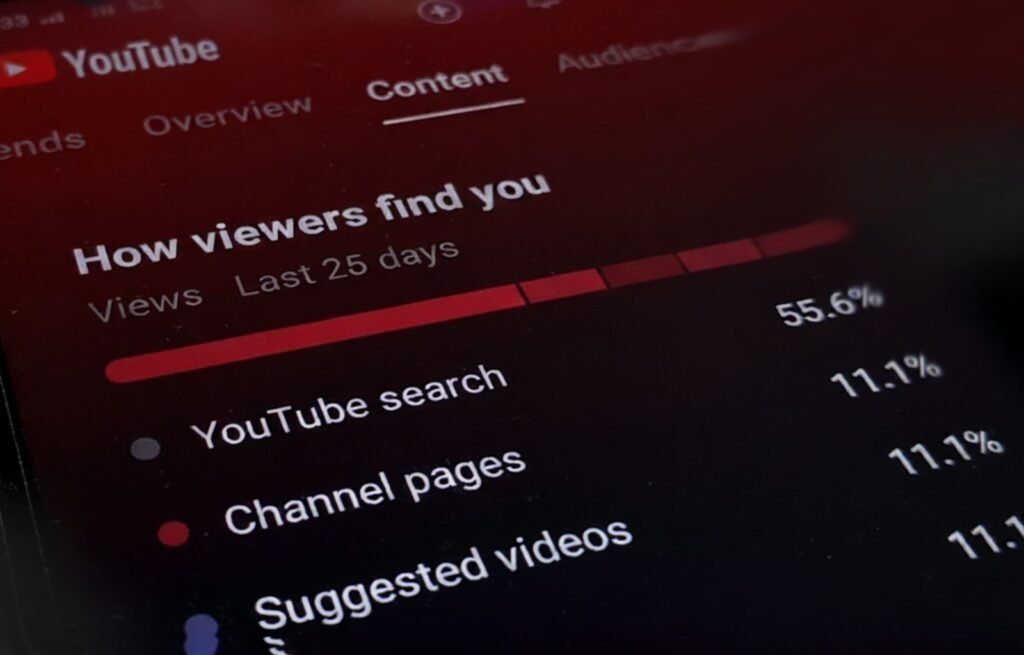
If you’re a video creator looking for smarter insights without the spreadsheet slog, here’s good news: YouTube Studio just rolled out a new feature called Ask Studio, and it’s turning analytics from dry numbers into plain-language insights.
Yes you can now ask your channel data questions and get actionable answers. No more hunting through rows of charts.
A new study found that AI search tools send users to 404 error pages almost three times more often than Google. Imagine searching for something important, clicking the first link and boom, “Page Not Found.” It’s happening a lot more than people realise!
What Is Ask Studio?
Think of it as your channel’s friendly analyst. Inside YouTube Studio you’ll notice a sparkle icon — click it, type in your question (“What are viewers saying about my last video?” or “Which videos get the most watch time on my channel?”) and Ask Studio responds.
It draws from three main types of channel data:
● Comments and audience sentiment
● Analytics like watch time, click-through rate, traffic sources
● Your past uploads and performance patterns
The tool is conversational. Instead of “Your average view duration increased by 7.3%,” you might ask: “Why did my last upload have fewer views than usual?” And get a plain-English response.
Why This Change Matters for Creators
Let’s keep it real — many creators spend more time wrestling with dashboards than creating. With Ask Studio:
● You save time: No more endless scrolling through tables.
● You understand your audience faster: It summarizes comments, spots themes like “please do more tutorials” or “speed up editing.”
● You plan better content: It suggests ideas rooted in what your viewers respond to.
For creators in India especially, where content competition is steep, being able to look inside your data quickly and clearly can make the difference between “just another upload” and “this one hits.”
How to Get Started with Ask Studio
- Log in to YouTube Studio on your desktop browser (yes — currently it works on desktop, not mobile).
- Look for the sparkle icon in the top-right corner and click on Ask Studio.
- Choose a suggested prompt or type your own question — e.g., “Summarise comments on my last 3 videos” or “What topic should I make next for better engagement?”
- Review the AI’s response, and then follow up with deeper questions if needed: “Why did this clip drop at 1:45?” or “Which thumbnail type gets better CTR?”
- Use insights to tweak your next video: adjust format, topic, title, thumbnail, or upload time based on what the data is telling you.
Tips to Make Ask Studio Work for You
- Be specific with questions: “What do viewers say about my editing style?” is better than “Tell me about my channel.”
- Use as part of a routine: After every upload, ask a quick question — it keeps you reviewing and learning.
- Don’t rely solely on it: Use Ask Studio for insights, but keep your creative instinct strong. AI helps; you create.
- Feed it the right data: The more you upload and engage, the richer your channel data becomes — and the better the insights.
Availability & Limitations
- Currently, Ask Studio is available in English and primarily to creators in the United States.
- It treats only your own channel’s data — it doesn’t do competitive benchmarking (“How does my CTR compare with others?”) yet.
- Mobile version support and other languages are still in development.
- As with any AI tool, its answers may not always cover all the nuance — treat the responses as insightful suggestions, not gospel truth.
FAQs
Creators in the U.S. with English-language channels are currently eligible, as it’s still in experimental rollout.
Not presently. It’s part of YouTube Studio’s new features for creators, though expanded access or premium versions could come later.
Not at this moment — Ask Studio uses only your channel’s internal data and does not benchmark against other channels.
Currently, the feature works via desktop browsers. Mobile availability is planned but not yet rolled out.
Once rolled out globally, creators in India can benefit from quicker insights, audience-driven content suggestions, and smarter analytics — helping smaller teams operate like bigger ones.
Final Thoughts
Ask Studio is more than just another analytics tool—it’s a shift in how creators talk to their data. It’s taking the “what happened?” and turning it into “what should I do next?”
If your channel is ready to level up, this is a timely feature to experiment with. And if you’re wondering how to integrate AI-powered analytics and content strategy into your workflow, that’s where we at Impreza Technologies come in.
We help creators and brands harness analytics insights, refine content strategies, and build smarter engagement systems. Reach out today and let’s bring your channel’s next chapter to life.